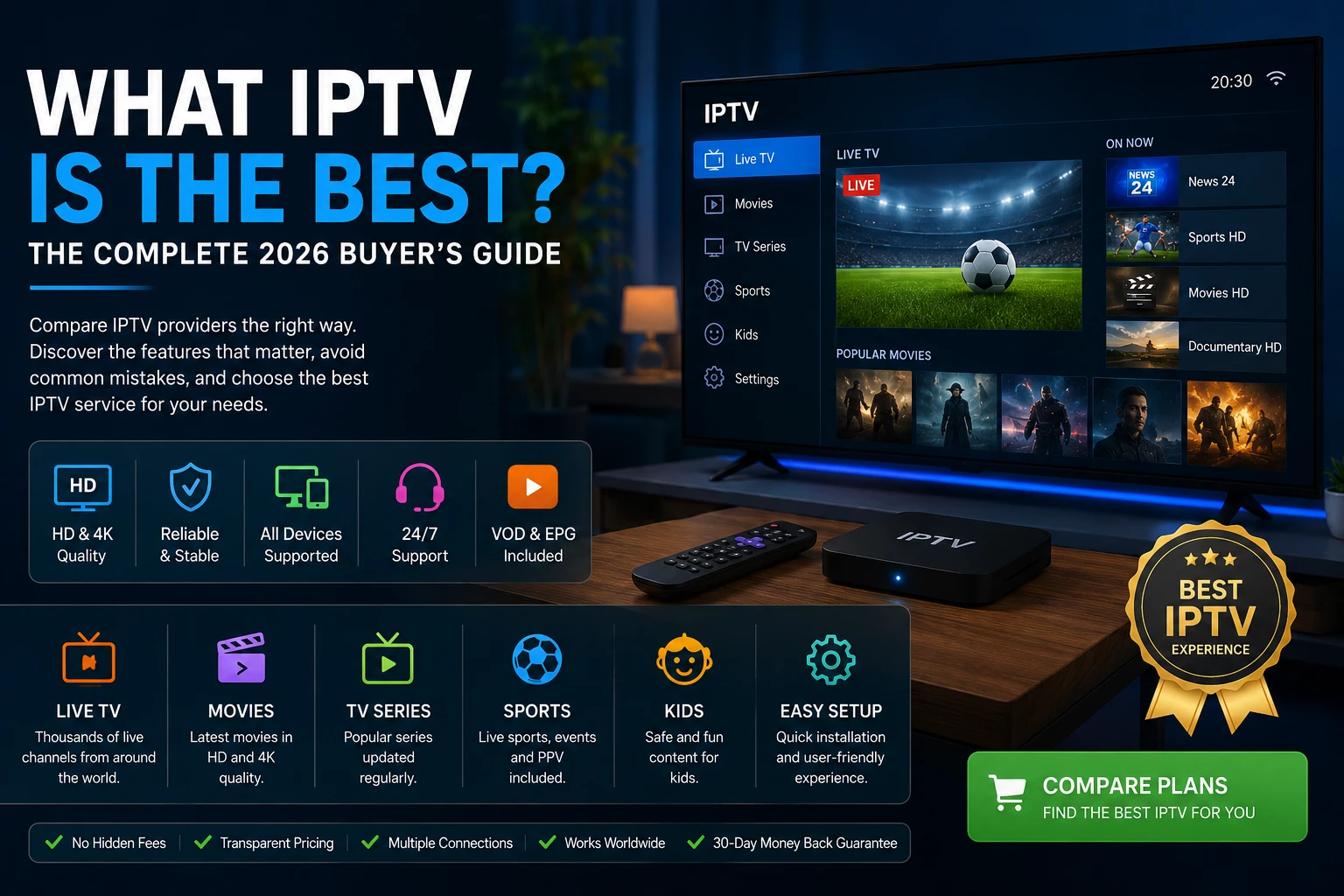
Quick answer: what IPTV is the best?
Many buyers focus on the largest advertised channel count. That number is often the least useful part of the decision. Duplicate channels, test streams, backup entries, weak guide data, and dead links can make a catalogue look bigger without making it better.
A smaller, carefully maintained service can deliver a far better experience than a massive but disorganized playlist. The goal is not to buy the most channels. The goal is to buy the best combination of reliability, usability, support, and value.
Why choosing the right IPTV service matters
Your provider affects more than content availability. It determines how quickly channels open, how often streams freeze, whether EPG data is accurate, whether your device is easy to configure, and how quickly someone helps when a login or server setting changes.
The 15 criteria that define the best IPTV service
1. Reliability and server stability
Reliability is the most important factor. Even a perfect channel list becomes useless if the service fails during evenings, weekends, or popular events. Test the provider when you normally watch, not only during quiet daytime hours.
2. Streaming quality
Look beyond resolution labels. A stable HD stream often looks better than an unstable 4K stream. Consistent bitrate, correct frame rate, audio sync, and fast recovery after network changes matter more than marketing.
3. Buffering performance
Buffering can come from the provider, your internet, Wi-Fi congestion, device limitations, background downloads, or VPN overhead. A strong service minimizes source-side buffering and provides support that can help isolate the real cause.
4. Electronic Program Guide
An accurate EPG makes live television easier to use. It should show current and upcoming programmes, correct times, channel logos, and useful descriptions. Missing or shifted guide data makes a large catalogue frustrating.
5. Video on Demand
VOD quality is about organization, not only quantity. Search, posters, categories, subtitles, audio languages, and recently added sections all improve usability.
6. Device compatibility
A flexible service should work across the platforms you actually own, including Samsung Smart TV, LG Smart TV, Android TV, Google TV, Fire TV, Apple TV, MAG Box, Windows, macOS, Android phones, iPhone, and iPad.
7. IPTV player compatibility
The service and the player are separate. A good provider should support standard login methods such as Xtream Codes or M3U when appropriate so users can choose a suitable player.
8. Customer support
Good support provides device-specific instructions, login help, playlist guidance, EPG assistance, and clear answers about connection limits.
9. Simultaneous connections
Count the maximum number of devices that may play at the same time. Installing one account on several devices is not the same as having permission to stream on all of them simultaneously.
10. Pricing transparency
Look for clearly explained plan lengths, connection counts, renewal terms, refund policy, cancellation policy, and included support.
11. Installation process
A strong provider should offer practical instructions for your exact device and player instead of a generic one-line setup message.
12. Content organization
Country, sports, movies, kids, news, entertainment, search, and favorites should be easy to use. Good organization saves more time than an inflated catalogue.
13. Security and account protection
Use strong passwords, keep credentials private, download apps from trusted sources, and avoid public screenshots that expose M3U or server URLs.
14. Long-term value
The cheapest option is not always the best. Better stability, support, and organization can create more value than a lower headline price.
15. Overall user experience
The best service should feel simple: fast startup, smooth navigation, reliable channels, clear categories, working guide data, and responsive help.
| Category | Importance |
|---|---|
| Reliability | ★★★★★ |
| Streaming quality | ★★★★★ |
| Buffering performance | ★★★★★ |
| Device compatibility | ★★★★★ |
| Customer support | ★★★★☆ |
| EPG accuracy | ★★★★☆ |
| VOD organization | ★★★★☆ |
| Pricing transparency | ★★★★☆ |
| Setup simplicity | ★★★★☆ |
| Overall value | ★★★★★ |
How to compare IPTV providers correctly
| Feature | Excellent provider | Average provider | Poor provider |
|---|---|---|---|
| Reliability | Stable during peak hours | Occasional interruptions | Frequent downtime |
| HD / 4K quality | Consistent and well labeled | Mixed quality | Unstable or misleading |
| Buffering | Rare | Occasional | Frequent |
| Channel loading | Fast | Average | Slow |
| Device support | All major platforms | Limited | Few devices |
| EPG | Accurate | Partial | Missing |
| VOD | Organized | Average | Poor |
| Customer support | Fast and specific | Slow | Almost none |
| Setup guide | Complete | Basic | Missing |
| Overall value | Strong | Mixed | Weak |
Best IPTV by device and use case
Best IPTV for Firestick
Firestick users should prioritize fast login, stable playback, HD support, responsive menus, and a reliable EPG. Read the complete Firestick IPTV guide and the Smarters Pro installation guide.
Best IPTV for Smart TV
Smart TV users should verify app availability, remote navigation, screen scaling, subtitles, and guide performance. Browse the best IPTV apps for Smart TV.
Best IPTV for Android TV
Android TV offers broad player choice, voice search, and strong hardware options. See the Android TV guide.
Best IPTV for Apple TV
Apple TV users should confirm that the provider's login method works with their preferred tvOS player. Review the Apple TV IPTV guide.
Best IPTV for MAG Box
MAG users should confirm portal compatibility, model support, fast authentication, and stable channel organization. Read the MAG Box guide.
Best IPTV for families
Families should focus on simultaneous connections, children's categories, multiple device support, parental controls, and responsive support.
Best IPTV for sports fans
Sports viewers should prioritize peak-time stability, low delay, fast channel loading, and HD quality. See the sports IPTV guide.
Best IPTV for movie lovers
Movie viewers benefit from organized VOD, search, posters, subtitles, and regularly updated categories. See the movies and series guide.
Pricing and value
A low monthly price is attractive, but compare the number of connections, device support, support quality, plan flexibility, setup help, and written terms. The cheapest plan is not automatically the best value.
Read the complete IPTV cost guide and compare the current Greatest IPTV pricing plans.
Security, privacy, and performance
Before subscribing, check for HTTPS, a clear privacy policy, terms and conditions, a refund policy, secure checkout, and working support channels.
- Use a strong password.
- Keep login credentials private.
- Download players only from trusted sources.
- Avoid modified or unofficial applications.
- Do not publish playlist URLs in screenshots or forums.
How to reduce buffering
- Use Ethernet when possible.
- Use strong 5 GHz Wi-Fi near the router.
- Restart the router and streaming device.
- Close background downloads and unused apps.
- Keep the player updated.
- Test another channel and another device.
| Streaming quality | Practical speed target |
|---|---|
| SD | 5 Mbps |
| HD | 10–15 Mbps |
| Full HD | 15–20 Mbps |
| 4K | 25+ Mbps |
Common IPTV buying mistakes
- Buying the cheapest subscription without testing.
- Choosing a yearly plan immediately.
- Ignoring simultaneous connection limits.
- Buying only because of a huge channel count.
- Forgetting device compatibility.
- Ignoring customer support quality.
- Not reading the refund policy.
- Expecting every device to perform identically.
Money-saving tips
- Start with a monthly plan.
- Buy only the number of connections you need.
- Use your existing compatible device.
- Avoid unnecessary hardware upgrades.
- Compare total value rather than price alone.
IPTV buyer checklist
Compare plans before you buy
Review the available Greatest IPTV plans, connection options, and support. Contact the team with your device model and viewing needs before ordering.
Frequently asked questions
What IPTV is the best in 2026?
The best IPTV service is the one that combines lawful access, stable streaming, accurate EPG data, broad device compatibility, responsive support, transparent pricing, and the content you actually watch.
Is the provider with the most channels automatically the best?
No. Channel count is easy to inflate with duplicates, backups, dead streams, and poorly organized categories. Usable quality matters more than the advertised total.
Should I choose a monthly or yearly plan?
A monthly plan is usually safer for testing. Consider a longer plan only after the provider proves reliable during your normal viewing hours.
Which device is best for IPTV?
There is no single best device. Fire TV, Android TV, Apple TV, Smart TVs, MAG boxes, Windows, and macOS can all work well when paired with a compatible player and a stable subscription.
How much internet speed do I need?
A practical target is around 10–15 Mbps for one HD stream and 25 Mbps or more for one 4K stream, plus extra capacity for other household devices.
Why does IPTV buffer?
Buffering can come from the source service, Wi-Fi congestion, router problems, device limitations, background downloads, VPN overhead, or an overloaded home network.
How many simultaneous connections should I buy?
Buy enough for the maximum number of devices that may stream at the same time. Installing an account on several devices is different from using them simultaneously.
Does IPTV work on Smart TVs?
Yes, when a compatible player is available for the television platform. Samsung Tizen, LG webOS, Android TV, and Google TV each support different app options.
Can I watch IPTV on Firestick?
Yes. Firestick is popular because it is affordable, portable, and supports many IPTV players.
Is expensive IPTV always better?
No. Higher price does not guarantee better quality. Compare reliability, support, compatibility, content organization, and written terms.
Is IPTV legal?
The technology itself is legal. Legality depends on whether the provider has permission to distribute the content you access. Use licensed services and follow local law.
What should I test before buying?
Test your priority channels, peak-hour reliability, EPG accuracy, on-demand playback, support response, connection limits, and device compatibility.
Do I need a VPN?
A VPN is optional for many users. It can improve privacy on untrusted networks but may reduce speed. Use one only when lawful and permitted.
What are the main red flags?
Red flags include impossible promises, no written terms, pressure to buy long plans, unclear connection limits, copied content, weak support, and insecure checkout.
How do I choose between two similar providers?
Use a scorecard covering reliability, authorization and transparency, device support, support quality, EPG, VOD, connection limits, pricing, and trial performance.
Final recommendation
The best IPTV service is the one that offers the right balance of reliability, compatibility, support, useful features, and price for your household.
Do not choose based only on the largest channel count or the lowest advertised price. Test the service, verify your device, confirm connection limits, review the refund policy, and evaluate performance during peak hours.
For a broader service-selection framework, read What Is the Best IPTV Service?. For pricing, review How Much Does IPTV Cost?.