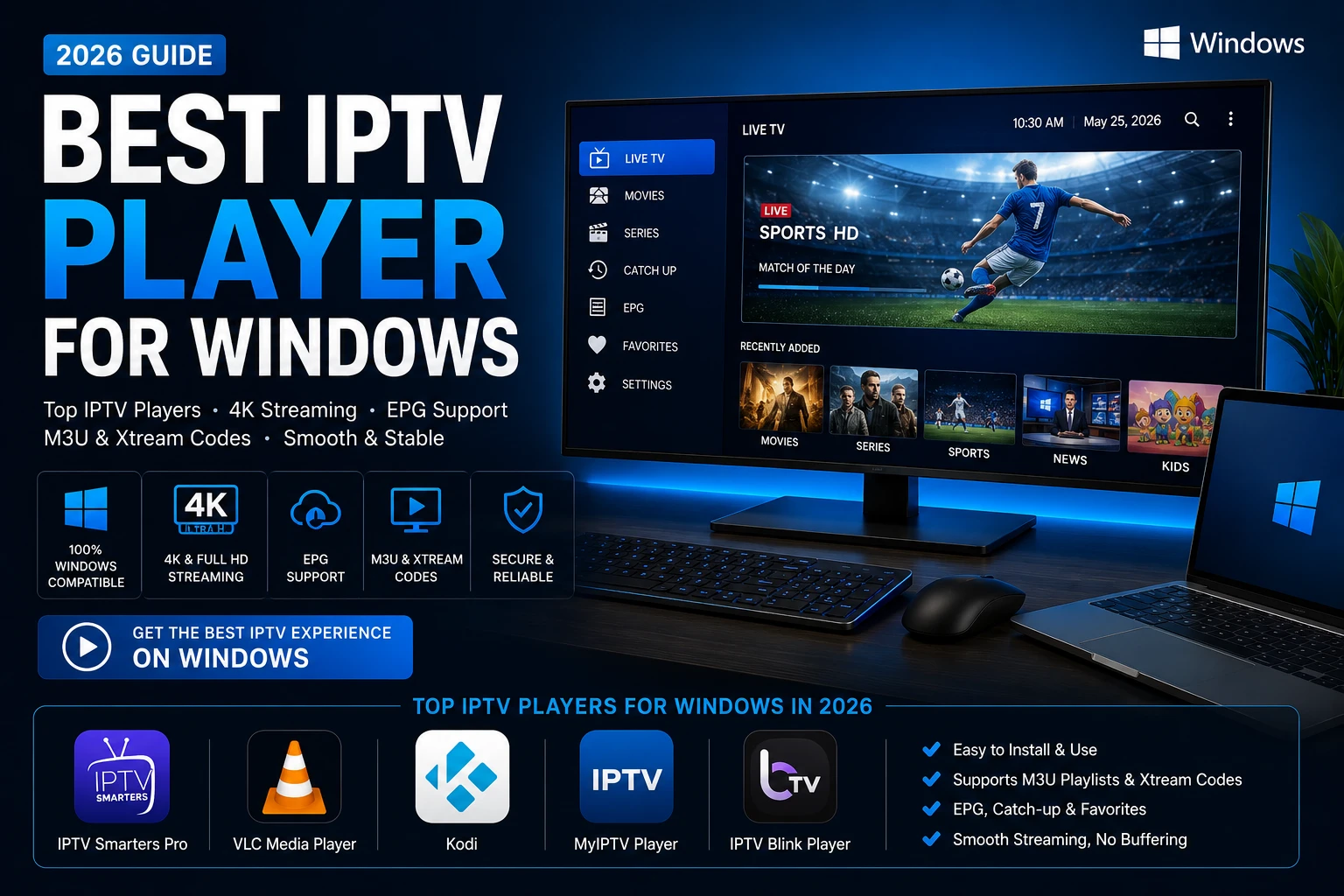
What is the best IPTV player for Windows in 2026?
The best IPTV player for Windows in 2026 depends on your usage style: IPTV Smarters Pro is easiest for most users, VLC is lightweight and stable, and Kodi is strongest for advanced customization. In all cases, app quality and subscription quality must work together for consistent streaming.
Windows remains one of the most flexible platforms for IPTV streaming. You can use a full-size display, stable Ethernet, strong hardware decoding, and better control over app-level settings than many closed smart TV environments. That is why users searching for iptv player for pc or best iptv app for windows are often trying to build a more stable setup than they had on mobile-only apps.
Why use an IPTV player on Windows?
Better performance control
Windows lets you tune playback and networking for smoother HD and 4K streams.
Flexible app options
You can choose beginner-friendly players or advanced media-center workflows.
Strong multitasking
Watch IPTV while browsing, working, or managing playlists efficiently.
Easy troubleshooting
Logs, updates, drivers, and network tools are easier to manage on desktop systems.
Best IPTV players for Windows in 2026
IPTV Smarters Pro
Great for quick onboarding, clear menus, and smooth daily use. It supports common credential workflows and is a practical choice for most households.
VLC Media Player
Reliable and lightweight with excellent codec support. It is ideal when you prefer speed and stability over advanced IPTV UI features.
Kodi
Powerful and highly customizable. Best for advanced users who want deep control over categories, guides, and add-ons.
MyIPTV Player
A straightforward Windows-native option for users who prefer Microsoft-style app workflows.
IPTV Blink Player
A clean and modern player experience that balances usability with practical performance.
Performance comparison table
| App | Advantages | Disadvantages | Supported devices | Ease of use | Streaming quality | Best use case |
|---|---|---|---|---|---|---|
| IPTV Smarters Pro | Easy onboarding, polished workflow, practical daily UX | Less deep customization than Kodi workflows | Windows + multiple ecosystems | High | Strong with stable source credentials | Most users and families |
| VLC | Lightweight, trusted, strong codec support | Limited IPTV-specific interface features | Windows, macOS, Linux | Medium | Very stable playback | Users who prioritize speed |
| Kodi | Advanced configuration and deep flexibility | Longer setup and learning curve | Windows + multi-platform | Medium | Excellent when tuned correctly | Power users |
| MyIPTV Player | Windows-native flow, simple setup | Basic compared with advanced stacks | Windows | High | Good for routine viewing | Windows-first users |
| IPTV Blink Player | Clean UI, practical usability | Feature depth depends on version | Windows-focused | High | Good with reliable provider streams | Simple modern setup |
Step-by-step installation guide
1. Choose one app
Start with Smarters or VLC if you want the easiest setup path.
2. Update Windows
Install OS and driver updates before configuring credentials.
3. Prepare credentials
Use either M3U details or Xtream Codes API from your provider.
4. Import and test
Test channels in multiple categories before finalizing settings.
5. Configure EPG
Sync your TV guide and verify timezone alignment.
6. Optimize network
Use Ethernet when possible and troubleshoot buffering methodically.
How to add an M3U playlist
- Open your player and choose playlist import.
- Paste your M3U URL or upload M3U file.
- Name your source and load channels.
- Add EPG URL if provided.
- Validate channel categories and save favorites.
How to add Xtream Codes
- Select Xtream Codes login in your player.
- Enter server URL, username, and password.
- Load channels and VOD sections.
- Verify EPG and catch-up indicators (if available).
- Run playback tests in HD and 4K categories.
Common problems and fixes
Do this
- Check credentials carefully.
- Update app and graphics drivers.
- Use wired internet for peak-time stability.
- Use one app at a time during troubleshooting.
- Review our IPTV buffering guide when needed.
Avoid this
- Switching players every few minutes.
- Ignoring EPG and timezone mismatches.
- Using unstable networks during live events.
- Choosing source quality only by low price.
- Skipping support before purchase.
Expert tip: the player controls usability, but your subscription controls stream reliability. The best experience combines both correctly.
FAQ
IPTV Smarters Pro is often the easiest for first-time users because onboarding is simple and menu flow is clear.
Yes. VLC can play M3U playlists and is often one of the most stable options for lightweight playback.
No. IPTV players are apps only. You need active provider credentials to access channels.
Final recommendation
If you want the easiest route, start with IPTV Smarters Pro. If you want lightweight stability, choose VLC. If you want maximum control, use Kodi. Then pair your chosen app with a reliable provider such as Greatest IPTV for a stronger long-term viewing experience.