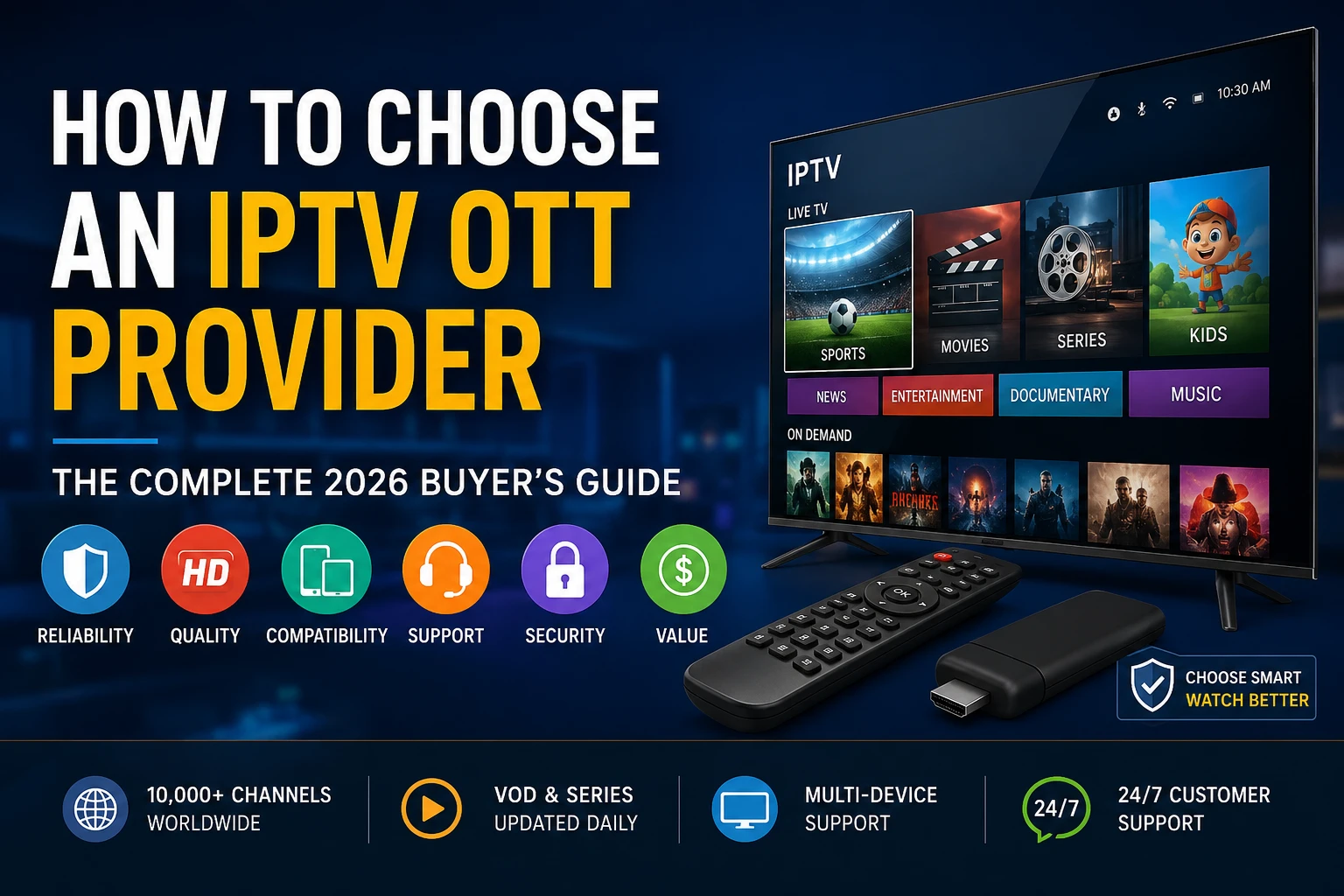
1. How to Choose an IPTV OTT Provider: Quick Selection Blueprint
When looking at how to choose an IPTV OTT provider, the key is evaluating actual network performance, stream stability, and device compatibility rather than falling for broad marketing claims like "thousands of channels". A premium provider should provide stable peak-hour performance, broad device compatibility, clear setup guidance, and transparent support to minimize buffering during high-demand viewing hours.
To avoid common pitfalls, run a thorough 24-hour trial, inspect the system’s Electronic Program Guide (EPG) metadata formatting, check support for multi-device connections, and strictly avoid long-term "lifetime" pricing structures.
2. The Shifting Landscape of Streaming Media
In 2026, the streaming media landscape is more complex than ever. Standard broadcast setups are rapidly giving way to dynamic, internet-based delivery models. This transition has led to a massive influx of IPTV (Internet Protocol Television) and OTT (Over-The-Top) services catering to audiences worldwide.
However, the lack of uniform industry standards means that stream quality, server latency, and overall software compatibility can vary significantly from one service to another. For consumers and enterprise deployments alike, learning how to look past flashy sales pages and evaluate the actual technical quality of a provider's network infrastructure is essential to establishing a reliable, high-quality viewing experience.
3. Deceptive Marketing Traps to Avoid
A common pitfall when evaluating providers is relying on bloated feature lists. Many services advertise massive channel packages—sometimes claiming 50,000+ channels or hundreds of thousands of VOD titles—simply to capture attention.
In reality, these inflated channel lists often contain duplicate streams, inactive links, or low-resolution feeds that clutter your guide and slow down your app's performance. A professional provider focuses on stream quality, consistent uptimes, and maintaining active, localized channels instead of simply bloating their database. Keep in mind that hosting high-definition, high-frame-rate channels requires significant bandwidth and server overhead; quality and stability will always outperform sheer, uncurated quantity.
4. Real Peak-Hour Testing & Redundancy
A streaming network may perform flawlessly during a Tuesday morning test, only to drop frames, buffer, or crash entirely during a major sporting event on Saturday night. This drop in quality occurs because high-demand events trigger huge spikes in concurrent user connections.
Pro Tip: How to Stress-Test a Provider
To accurately assess a provider's infrastructure, run your 24-hour trial during peak local viewing times—typically between 7:00 PM and 10:30 PM on weeknights—or during a major live broadcast. Monitor the stream for dropped frames, audio sync issues, or sudden resolution changes, which indicate a lack of server-side load balancing or insufficient edge CDN routing capacity.
5. Device & Codec Compatibility
The app you choose to manage your streams is just as important as the service itself. Ensure your prospective provider supports flexible standard connection protocols like Xtream Codes API or raw M3U playlist URLs rather than forcing you to use a proprietary, locked-down application.
Standard connection formats allow you to run your streams inside premium external players like TiviMate (Android/Fire OS), GSE Smart IPTV (iOS/Apple TV), or Plex (via proxy utilities). Additionally, verify that the provider's streams are encoded using efficient, modern codecs like HEVC (H.265) or AV1. These protocols deliver high-definition 4K video at significantly lower bitrates than legacy formats, helping you maintain a stable stream even on standard home internet connections.
6. Auditing EPG & VOD Assets
A complete streaming setup relies heavily on an active, accurate Electronic Program Guide (EPG). A functional EPG uses the standard XMLTV schema to automatically sync program titles, descriptions, and start times with your active streams.
Without a reliable, auto-refreshing EPG, browsing channels becomes tedious, as you won't be able to see what is currently airing or check upcoming schedules. Likewise, if the provider offers a Video-On-Demand (VOD) library, look for structured metadata, accurate category folders, and multi-language subtitle tracks to ensure a clean, intuitive viewing experience.
Explore Premium, Multi-Device Streaming
Test your home setup with Greatest IPTV's optimized networks, offering broad device support, active EPG guidance, and a smooth setup experience.
View Our Pricing Plans7. Managing Simultaneous Lines and Connections
Many users assume they can share a single subscription across their household devices, only to face immediate stream termination or account suspensions. This happens because most baseline subscriptions only permit one active connection at a time.
If you plan to stream on multiple devices simultaneously—such as a TV in the living room while someone else watches on a phone in another room—ensure the provider offers multi-connection upgrade plans. Be wary of services that lock you to a specific home IP address, as this prevents you from using your subscription while traveling or using mobile data networks.
8. True Support Infrastructures vs. Automated Chatbots
In the digital services market, reliable, responsive customer support is a key indicator of a professional provider. Many low-cost services use automated, basic chatbots that only output canned answers and are unable to resolve actual server-side issues or billing problems.
When testing a service, send a quick question to their support team to evaluate their response times and helpfulness. Look for providers that offer active ticketing systems, detailed self-help knowledge bases, and live chat support handled by actual technical support representatives.
9. Subscription Pricing Analysis
Understanding different subscription structures can protect you from potential losses and help you spot untrustworthy providers. Here is a breakdown of common pricing models you will encounter in the market:
| Plan Type | Average Cost (USD) | Risk Factor | Best Suited For |
|---|---|---|---|
| 1-Month Subscription | $10 - $20 | Very Low | Testing service quality and ISP compatibility. |
| 3-Month Subscription | $25 - $45 | Low | A balanced, cost-effective mid-term option. |
| 12-Month Subscription | $70 - $120 | Moderate | Securing long-term discounts with an established provider. |
| "Lifetime" Subscription | $150+ (Flat Fee) | Extremely High | Avoid entirely; highly associated with exit scams. |
10. Security Controls, Privacy, and VPNs
Security should be a top priority when streaming. When you connect directly to a streaming server, your home IP address is fully visible to both the host server and your Internet Service Provider (ISP).
To protect your privacy, look for providers that support standard transport encryption protocols like SSL/TLS. Additionally, pairing your setup with a high-speed, premium Virtual Private Network (VPN) encrypts your data traffic. This can improve privacy on untrusted networks, although it may reduce speed and is not required for every user, ensuring a more stable, secure connection.
11. Navigating Legal Compliance & Licensing
IPTV and OTT streaming technologies are open, legal communication protocols. However, the legality of any specific stream depends on proper licensing and regional distribution rights. Running or subscribing to a service that rebroadcasts copyrighted material without holding the proper distribution rights is a violation of international copyright laws. Always verify that your service provider operates in full compliance with local copyright regulations and respects intellectual property licensing in your home country.
12. Running a Proper Trial: A 24-Hour Checklist
Never commit to a long-term plan without running a thorough trial first. Use this checklist to evaluate a provider during your test period:
- Verify that the Xtream Codes API or M3U credentials load correctly inside your preferred external player app.
- Test playback during peak evening hours (7:00 PM to 10:30 PM) to check for server congestion.
- Browse through a wide selection of channels to confirm the EPG is updating and displaying accurate schedule data.
- Measure stream loading times; a fast, healthy connection should load channels in under 2 seconds.
- Contact their support desk to test response times and verify they are handled by actual support representatives.
13. Critical Red Flags to Watch Out For
To protect yourself from low-quality providers and potential subscription loss, keep an eye out for these common red flags:
- Unusually Low, One-Time Fees: Offers selling long-term or "lifetime" subscriptions for a small, one-time flat fee. High-quality servers involve ongoing bandwidth costs, meaning these offers are unsustainable and often lead to sudden service shutdowns.
- No Free or Low-Cost Trials: Providers that refuse to offer short trials, forcing you to buy a multi-month plan upfront.
- Unprofessional or Broken Portals: Customer portals with broken links, missing security certificates (HTTPS), or non-functional support areas.
- Anonymous or Unsecured Payment Methods: Services that accept payment only through untraceable methods, with zero billing transparency or refund options.
14. The Standard Evaluation Scorecard
Use this scorecard to compare different providers objectively. Rate each service from 1 (Poor) to 5 (Excellent) across these key categories:
| Evaluation Factor | Weight | What to Look For | Your Rating (1-5) |
|---|---|---|---|
| Server Stability | 30% | No buffering or frame drops during peak-hour tests. | _____ |
| EPG Accuracy | 20% | Reliable, automated XMLTV program schedules. | _____ |
| Device Support | 20% | Supports standard Xtream Codes and M3U connection formats. | _____ |
| Customer Support | 15% | Fast, helpful answers from actual technical support teams. | _____ |
| Payment Safety | 15% | Secure checkout options with transparent billing terms. | _____ |
15. Buyer Decision Tree
To help you narrow down your choices, here is a quick decision path based on your primary streaming goals:
- Are you looking for live sports and high-action broadcasts?
- Yes: Prioritize providers that deliver native 60 FPS (Frames Per Second) feeds and run on high-capacity servers.
- No: Proceed to step 2.
- Do you want to run your streams on multiple TVs or devices at the same time?
- Yes: Look for plans that offer multi-connection support under a single subscription.
- No: Proceed to step 3.
- Do you prefer using customized apps like TiviMate?
- Yes: Select a provider that offers raw Xtream Codes credentials or direct M3U playlist URLs.
- No: Look for services with dedicated, pre-configured player apps for easy installation.
16. Target Buyer Personas
Different viewers have different technical requirements. Which of these profiles matches your streaming style?
- The Casual Viewer: Values simplicity, easy navigation, and quick setup. Typically prefers using a pre-configured app directly on a Smart TV.
- The Dedicated Sports Enthusiast: Needs low-latency, high-frame-rate (60 FPS) live feeds to follow fast-paced action without delays or drops.
- The Technical Customizer: Enjoys fine-tuning their setup, managing curated playlist files, and integrating streams into home media setups like Plex.
Ready to Elevate Your Home Setup?
Explore Greatest IPTV's performance-oriented packages, designed for stable connections, extensive device support, and fast setup.
Compare Our Subscription Plans17. Structural Buying Checklist
Before purchasing your next subscription, make sure your setup meets these technical requirements:
- Your home internet provides at least 25-50 Mbps of stable download speed.
- Your streaming device (e.g., Firestick or Apple TV) supports hardware-level decoding for HEVC video.
- You have verified the service works smoothly with your home ISP and preferred VPN connection.
- The provider offers flexible billing terms without requiring long-term commitments.
18. Post-Purchase Troubleshooting
If you experience buffering or playback issues after setting up your service, follow these quick diagnostic steps:
1. Stream Buffers Frequently
This is usually caused by network congestion or ISP speed throttling. Try switching to a physical Ethernet connection, or activate a premium VPN to bypass routing bottlenecks.
2. EPG Data is Missing
Go to your player app's settings and manually clear the EPG cache, then force a fresh manual update of your XMLTV guide link.
3. Audio and Video are Out of Sync
Open your application's playback settings and toggle between Hardware (HW) and Software (SW) decoding to find the best match for your device's processor.
19. Active Performance Monitoring
Keep your streaming setup running smoothly by tracking these simple performance indicators:
- Channel Load Times (TTFF): Healthy streams should load and display the first video frame in under 1.5 to 2 seconds after selecting a channel.
- Visual Clarity: Look for crisp, artifact-free video, especially during high-action or sports broadcasts, which indicates proper bitrate delivery.
- EPG Completeness: Ensure your TV guide consistently displays active programming details without large gaps or missing hours.
20. The 5 Biggest Buying Mistakes to Avoid
Avoiding these common missteps will protect you from poor-quality connections and lost subscriptions:
- Buying Long-Term Plans Upfront: Purchasing 1-year or "lifetime" packages from an untested provider. Always start with a short subscription to verify service stability first.
- Chasing Overly Large Channel Lists: Choosing a service based solely on channel count, which often leads to slow app load times and cluttered menus.
- Ignoring Connection Protocols: Buying a service that locks you to a single, low-quality app rather than supporting standard Xtream Codes or M3U URLs.
- Overlooking Simultaneous Connections: Assuming a standard subscription supports multiple devices in your home without checking connection limits.
- Failing to Test Peak-Hour Performance: Only running tests during off-peak morning hours when server loads are minimal.
21. Technical Deployment Profiles
To find the right setup for your devices, look at these standard configuration profiles:
- Android / Fire OS setups: You may use a compatible, well-supported player such as TiviMate connected via Xtream Codes for a clean, fast interface.
- Smart TV integrations: Use a compatible player available for your television platform to keep your TV's built-in OS fast and responsive.
- Apple TV configurations: Use a compatible tvOS player that supports the supplied login method to take full advantage of Apple's fast processors.
22. Real Evaluation Examples
When comparing services, look closely at their technical details. For example, a high-quality sports feed should deliver a native 1080p resolution at 60 FPS (Frames Per Second) with a consistent bitrate of at least 8 to 10 Mbps.
By contrast, lower-quality providers often compress their streams down to 25 or 30 FPS at low bitrates to save on server costs. While this might look acceptable on a small phone screen, it will look blurry and pixelated when played on a large living room TV.
23. Comparative Case Studies
Let's compare two typical streaming configurations to see how setup choices affect overall performance:
| Feature | Setup A (High Optimization) | Setup B (Unoptimized) |
|---|---|---|
| Hardware Used | Nvidia Shield TV Pro / Apple TV 4K | Budget Android Box (Software-decoded) |
| Connection Type | Wired Ethernet Cable | 2.4 GHz wireless Wi-Fi connection |
| Player Application | TiviMate Premium (Xtream Codes API) | Generic, pre-installed free player app |
| Overall Stream Stability | Stable, high-bitrate playback with fast channel switching. | Frequent buffering, slow menus, and out-of-sync audio. |
24. Client Maintenance Best Practices
To keep your streaming setup running smoothly long-term, follow these basic maintenance habits:
Regularly clear your player app's cache to remove temporary files that can slow down the interface. Additionally, keep your streaming device's operating system updated to ensure you have the latest security patches and performance improvements. Lastly, reboot your home router and streaming device once a week to clear out old connections and keep your network running fast.
25. Elite Strategy Guidelines
If you are managing your home streaming setup, keep these advanced optimization tips in mind:
Keep a backup device or alternative authorized viewing option available when reliability is especially important. This ensures that if a specific server node experiences high traffic, you can instantly switch to a backup stream and continue watching without interruption.
26. Professional Conclusion & Next Steps
Choosing a reliable IPTV OTT provider doesn't have to be a guessing game. By ignoring bloated channel lists, running thorough peak-hour trials, checking for standard connection formats, and avoiding long-term "lifetime" pricing traps, you can secure a stable, high-quality viewing experience.
Ready to test a high-performance streaming network? Take a look at Greatest IPTV’s optimized packages, designed for stable connections, extensive device compatibility, and easy setup.
Secure Your Premium Streaming Setup
Get reliable server connections, full Xtream Codes compatibility, and active, accurate EPG guides on all your devices with Greatest IPTV.
Explore Our Subscription Plans